
Two Simple Pathways to Make Perfect[1]
Prints with Logarithmic Negatives
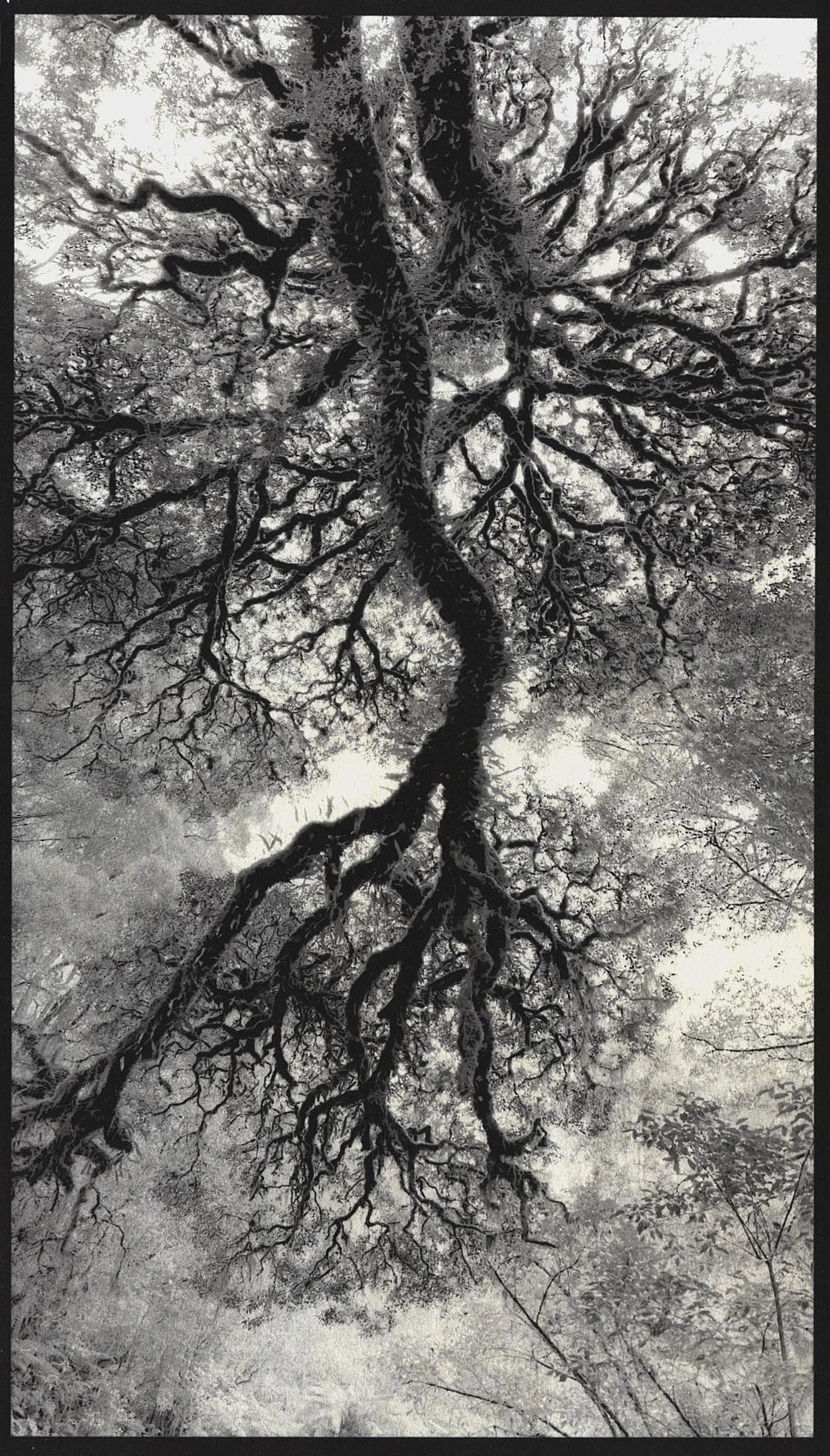
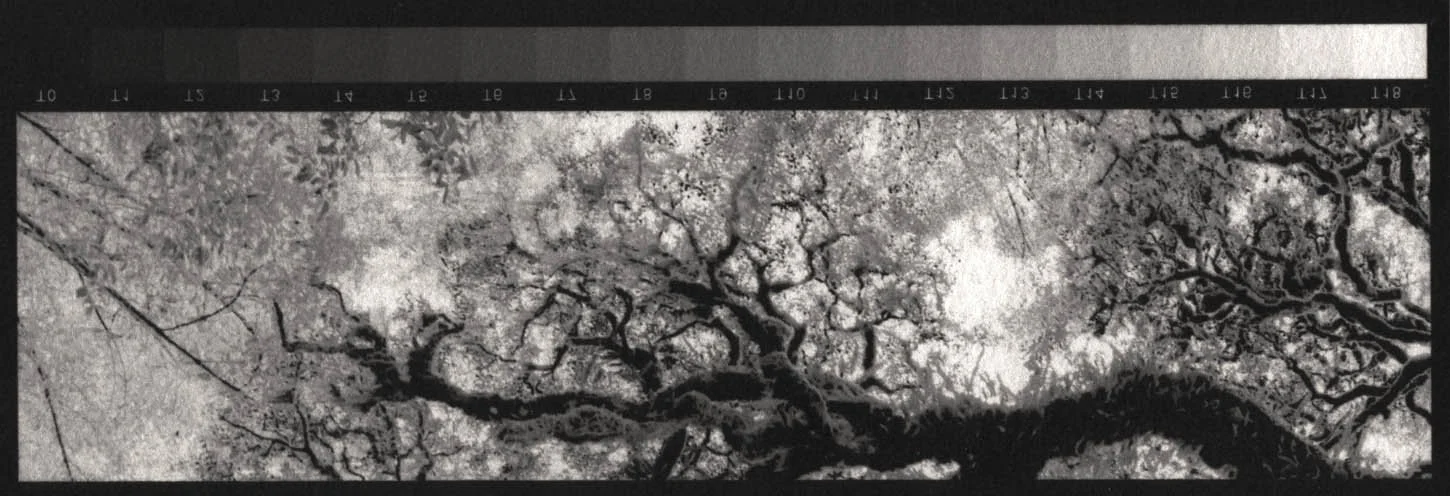
7.1×12.5 inch (18×32 cm) Kallitype print made from a profiled negative without further correction. Photograph & print by John Riches
With a Densitometer or Stouffer Stepwedge
The TruNeg logarithmic negative and Profiler tool make this the quickest, simplest, and most accurate way to make a true print from a digital negative..
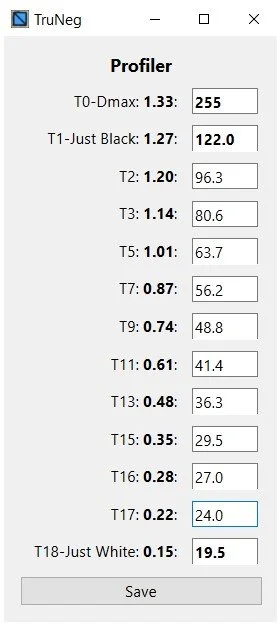
Logarithms produce true digital negatives from
two inputs. They do not require blocking colours and
need only ten inputs to consistently produce perfect prints on any printer and any process.
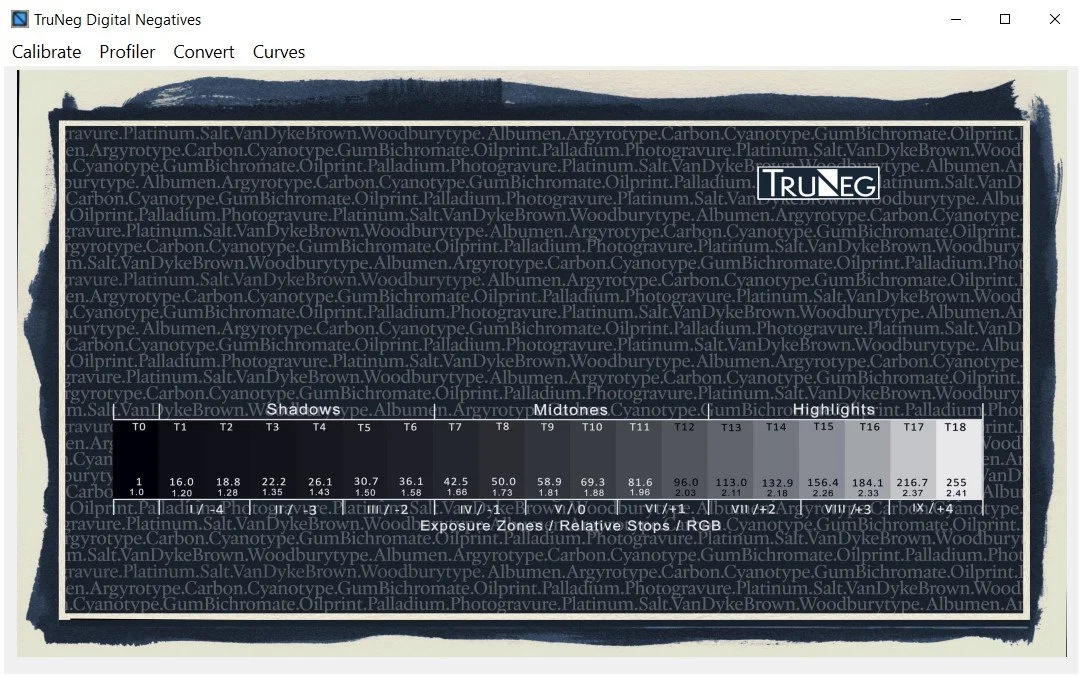
TruNeg Open Screen
The TruNeg Windows Application main page.
Without a Densitometer or
Stouffer Stepwedge
Logarithms and preset profiles bring the traditional B&W darkroom practice of test stripping to working with digital negatives.
Starting with a true photographic negative, predictable tone-by-tone editing puts control of the print into the photographer’s hands, providing a pathway to produce high-quality prints from two or three test strips without using scanners or densitometers.
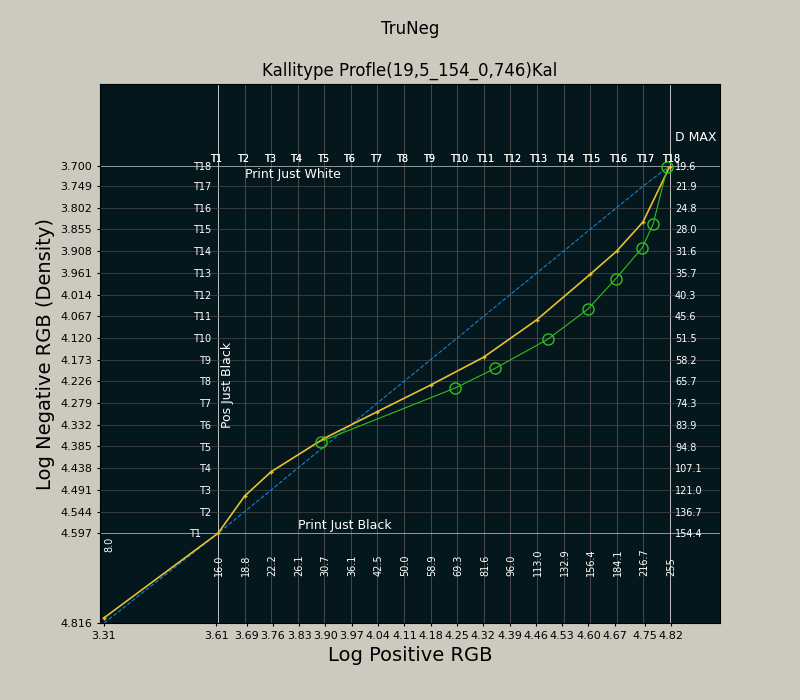
Modifying the curve to darken the highlights and midtones approximately one tone.
[1]. A perfect print is defined here as a print that has a white and a black (Dmax), with all the highlight and shadow detail of the original positive image and that the print is neither too light nor too dark.