
Installation Instructions
TruNeg is a standalone Python app and is not installed in the Windows Program folder.
After the application downloads move the zipped folder to a safe location. Right-click on the folder, select “Extract All”, press “Extract” to extract the app to a new folder also called “TruNeg_5.2”.
The folder contains another folder named “_internal” and the TruNeg_5.2 application. Create a shortcut to the application and place it on the desktop or Taskbar.
Do not remove the app from the folder as it needs the contents of the _internal folder to operate.
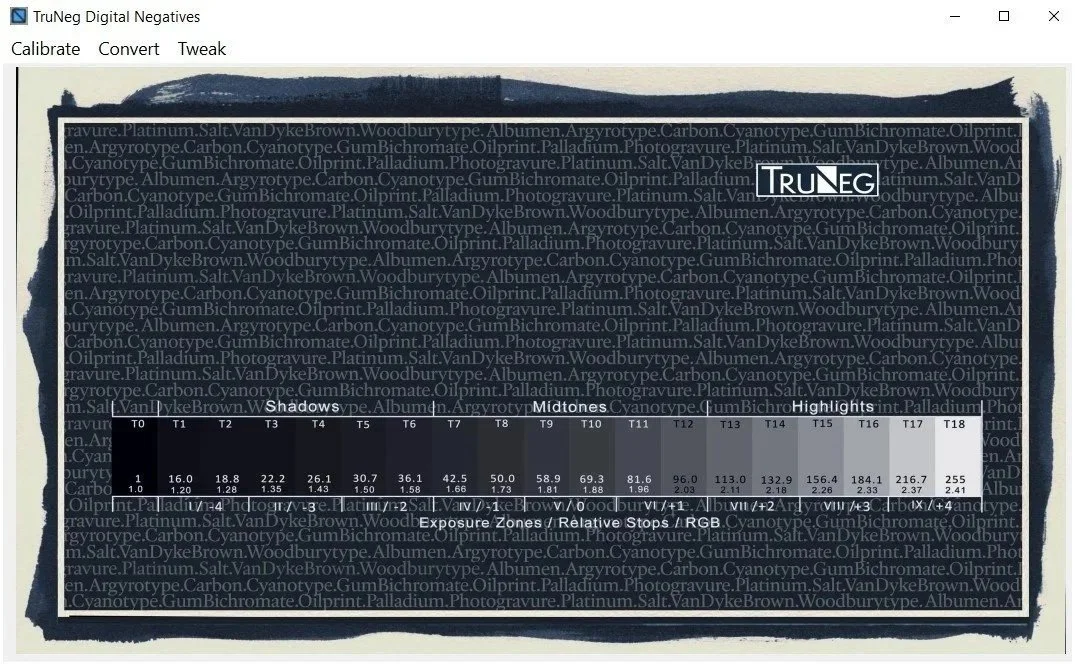
Click the alias to open the app. Please note that the app can be slow to open as it loads the contents of the _internal folder.
PLEASE NOTE
The Application has been signed with a Sectigo Code Signing Certificate, certifying that the file is genuine and from TruNeg.
Warnings may still appear when downloading and opening the file, however, you can still safely download and open the file.