
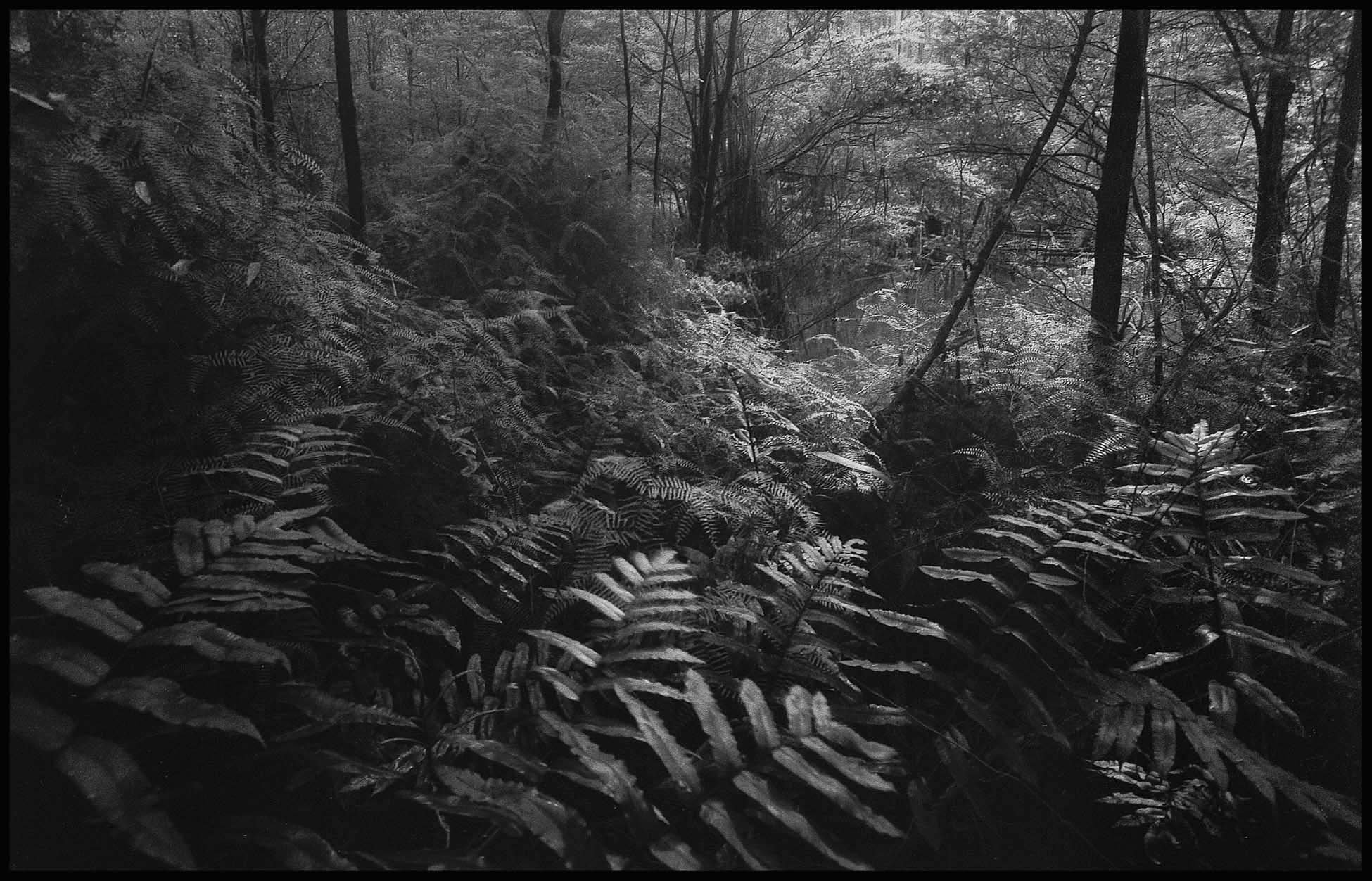
Copy of 28 x 18.1 cm Carbon Print with Oxide Black pigment made with a TruNeg Negative
Don't waste your time trying to fix incorrectly inverted negatives
TruNeg’s unique algorithm uses logarithms to create authentic photographic digital negatives from just two RGB inputs.
TruNeg does not require a densitometer or scanner; there are no linearisation or normalisation procedures, no user calculations, and it avoids the complications of coating and processing errors.
In addition, TruNeg provides free profiles for Argyrotype, Carbon (A.Dichromate), Classic Cyanotype, Salt, and Van Dyke Brown. For processes not listed, a generic profile enables users to develop their own profile from two or three test prints.
However, the perfect print is not the same for everyone and hand-coated photographic processes are notoriously fickle. The TruNeg Curve window lets you fine-tune, or tweak, your print to suit your personal preferences and/or adapt to the specific characteristics of your darkroom and process.
With just three menu options, TruNeg offers a swift and straightforward learning curve while delivering print quality on a par with silver gelatine negatives.
1. Calibrate
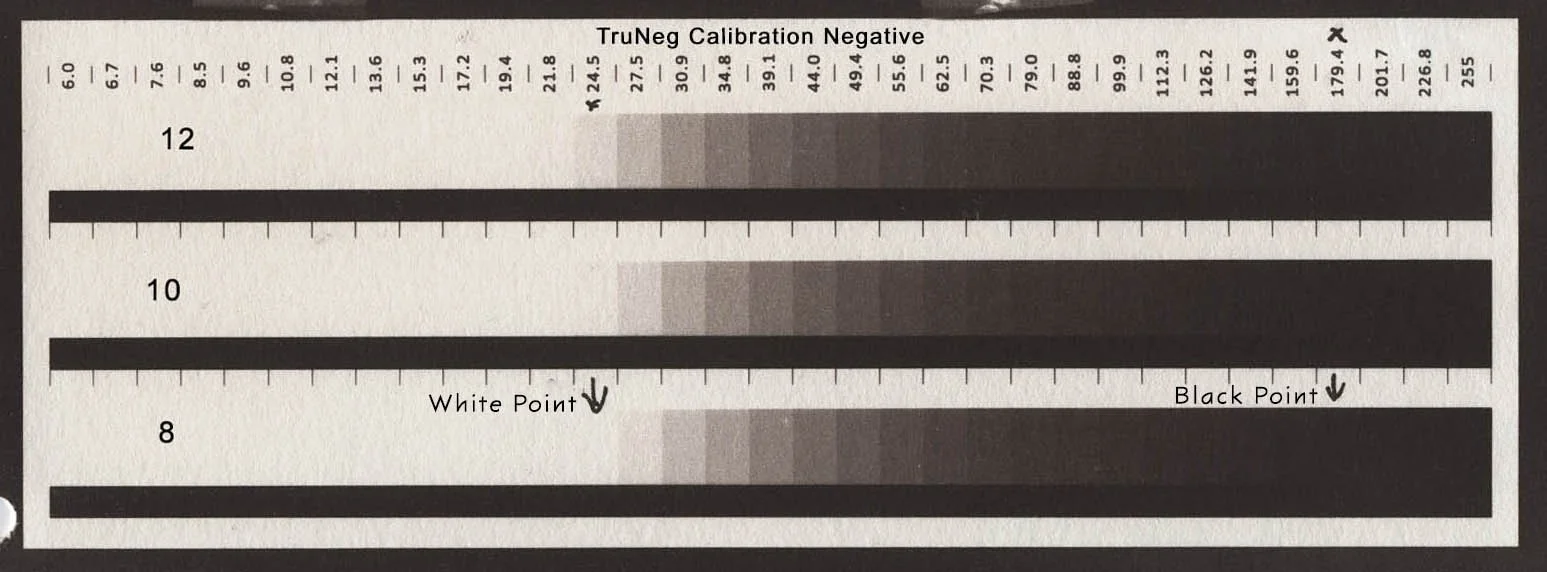
Calibration finds the “just white” and “just black” parameters for your printer and process, loads the process profile downloaded from the website, calculates the curve that makes the negative and saves it as a Preset.
Selecting the contrast parameters from a print of the TruNeg Calibration Negative
2. Convert
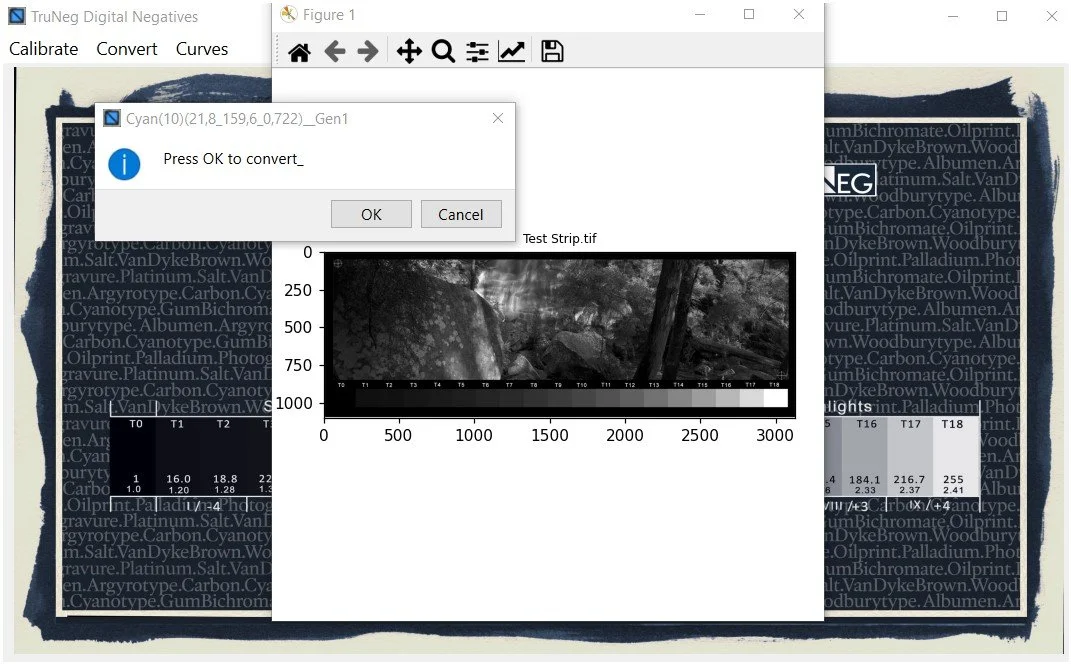
Convert imports the image to be converted, applies the Preset and returns the converted negative to the image folder, ready for printing in your photo editing program.
3. Tweak (Curves)
Working with TruNeg is similar to the traditional darkroom practice of running a test strip and making some adjustments before going to the final print. The interactive curve window enables the user to tweak the negative to lighten or darken selected tones and fine-tune the print in one or two test strips, to meet the most demanding user's requirements.
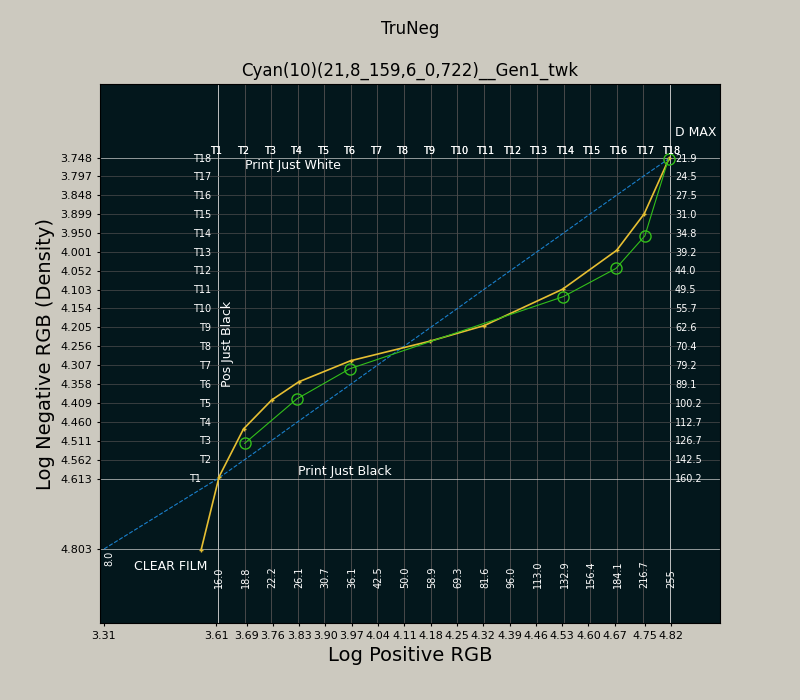
The green plot and circles show tweaking a Cyanotype to Darken the
Highlights and Shadows