To get your thirty-day free trial, click on the “Get TruNeg for PC” button below. This will take you to the Microsoft Store TruNeg site. Click on the “View in Store” button, where you can download the app.
The app is automatically installed and opens from the Start Menu.
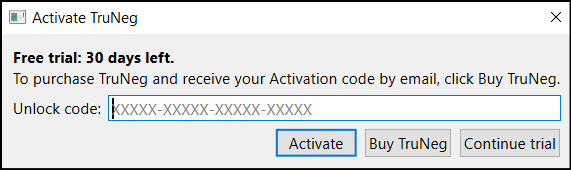
Opening the app opens the “Activate TruNeg” window shown below. Click on “Continue Trial” to open the application.
The trial starts on the date the app is first opened, and the window counts down so that you know how many days are left. After thirty days, the app does not open, but all files generated during the trial are retained.
Clicking on “Buy TruNeg” takes you to the TruNeg sales portal where you can purchase the Activation Code US$39.00. After the purchase is confirmed, an email is returned with your code.